
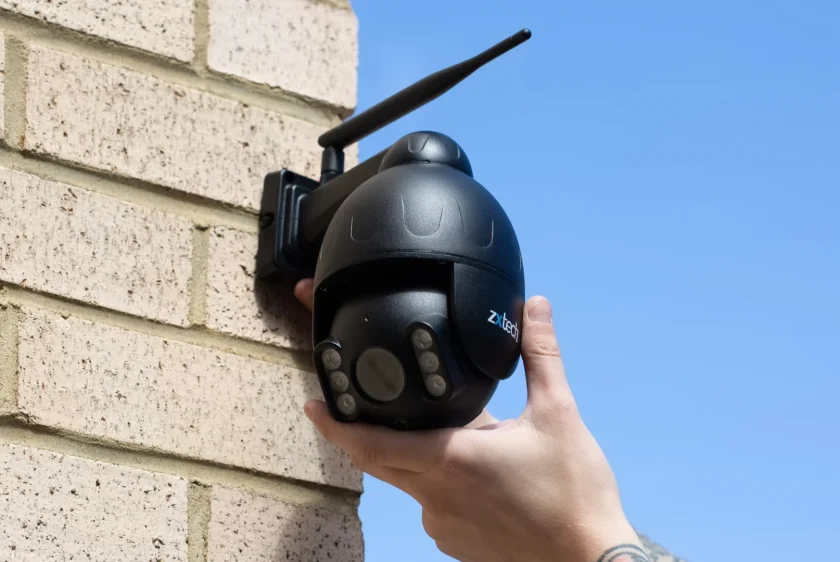
Dealing with Poor Wi-Fi for Security Cameras
Many people struggle with poor Wi-Fi connectivity for their home security cameras. Weak signal strength can ruin video quality and reduce camera coverage. This blog will share simple tips to boost your wireless network, fix connection stability, and keep surveillance running smoothly.
Stay here to learn how to improve your Wi-Fi coverage quickly.
Key Takeaways
- Physical barriers, such as walls and furniture, can weaken your Wi-Fi signal, resulting in poor camera performance.
- Network congestion from an excessive number of connected devices may reduce the video quality of security cameras.
- Moving your router to a central, elevated location improves signal strength for all cameras.
- Installing a Wi-Fi range extender helps boost coverage in areas where the signal is weak or drops out.
- Switching to wired Ethernet connections can provide more stable and reliable connectivity than wireless networks for surveillance systems.
Understanding the Causes of Poor Wi-Fi for Security Cameras
Wi-Fi issues often stem from weak signals or interference. Physical barriers and network congestion can disrupt the connection for your security cameras.
Weak Wi-Fi signal
A weak Wi-Fi signal can severely limit the performance of security cameras. These cameras rely on a strong connection to transmit clear video footage. Low signal strength often leads to poor image quality and frequent disconnections.
Interference from physical barriers, such as walls or furniture, can exacerbate the problem. Distance from the router also plays a crucial role in connectivity issues.
To combat this issue, consider repositioning your cameras closer to the router for better bandwidth optimisation. Using a range extender can help boost signal strength throughout your home or office space.
Wired connections are another option, providing more stable connectivity than wireless networks for surveillance systems.
Interference from physical barriers
Physical barriers often cause interference with Wi-Fi signals for security cameras. Walls, furniture, and even appliances can weaken the signal strength. These obstacles block the clear path between the camera and router.
As a result, you may experience poor connectivity and unstable connections.
To minimise this interference, consider camera placement carefully. Position your cameras in areas where they face the router directly. Avoid placing them behind thick walls or near large metal objects that can disrupt transmission.
Making these adjustments significantly enhances the reliability of your wireless network for surveillance systems.
Network congestion
Network congestion affects the performance of your security cameras. Too many devices using the same network can slow down your Wi-Fi signal. Shared bandwidth limits each device’s ability to transmit data efficiently.
This situation often leads to poor video quality from surveillance cameras.
Common causes of network congestion include streaming services, online gaming, and multiple users browsing simultaneously. Each action requires bandwidth, straining your wireless connection.
Check how many devices are connected to your router on a regular basis. Reducing connections helps improve Wi-Fi coverage, resulting in better connectivity and stability during camera transmission.
Ways to Improve Wi-Fi for Security Cameras
Move your router closer to the cameras for better performance. Try using a Wi-Fi range extender to boost signal strength in areas that are hard to reach.
Reposition the router and cameras
Repositioning your router and cameras can significantly improve Wi-Fi coverage. Place the router in a central location within your home. Avoid corners or enclosed spaces where physical barriers might hinder the signal strength.
Keep the router elevated and away from walls to reduce interference.
Cameras should also sit close to the router for optimal connection stability. If you have multiple cameras, avoid placing them too far apart, as this can affect bandwidth and transmission quality.
Adjusting both devices allows for better connectivity and reliable surveillance performance.
Use a Wi-Fi range extender
A Wi-Fi range extender boosts your wireless network’s coverage. It captures the existing signal and sends it further. This helps connect security cameras far from your router. The device creates a new access point for better connectivity.
Install the range extender midway between your router and cameras. This placement improves signal strength and connection stability. Ensure that you select a high-quality model that aligns with your network’s capabilities.
Some extenders even optimise bandwidth, allowing for smooth video transmission from surveillance cameras without interruptions.
Consider using wired connections
Wired connections can significantly enhance the performance of security cameras. By using Ethernet cables, you ensure a stable and strong signal between your cameras and the router.
Unlike Wi-Fi connections, wired options minimise interference from physical barriers, such as walls or other devices.
Using wired networks boosts connectivity for surveillance cameras. This setup often allows for better bandwidth optimisation. It also minimises lag and enhances transmission reliability.
Many users find that switching to a wired connection improves overall network stability and makes monitoring easier.
Conclusion
Enhancing Wi-Fi for security cameras can significantly improve their performance. Start by checking your signal strength and repositioning your router or cameras to improve connectivity. A range extender can help fill in dead spots where the signal weakens.
If problems persist, consider using wired connections to ensure a stable link. Reliable connectivity is essential for effective surveillance, so take action now to secure your home.


